
Expert Guide: Installing Smart Locks in Your Saint Cloud Home


Why Smart Locks?
Smart locks are revolutionizing home security with their blend of convenience and advanced technology. In Saint Cloud, where community safety is a priority, upgrading to smart locks can provide peace of mind. Unlike traditional locks, smart locks offer keyless entry, remote access, and integration with other smart home devices.
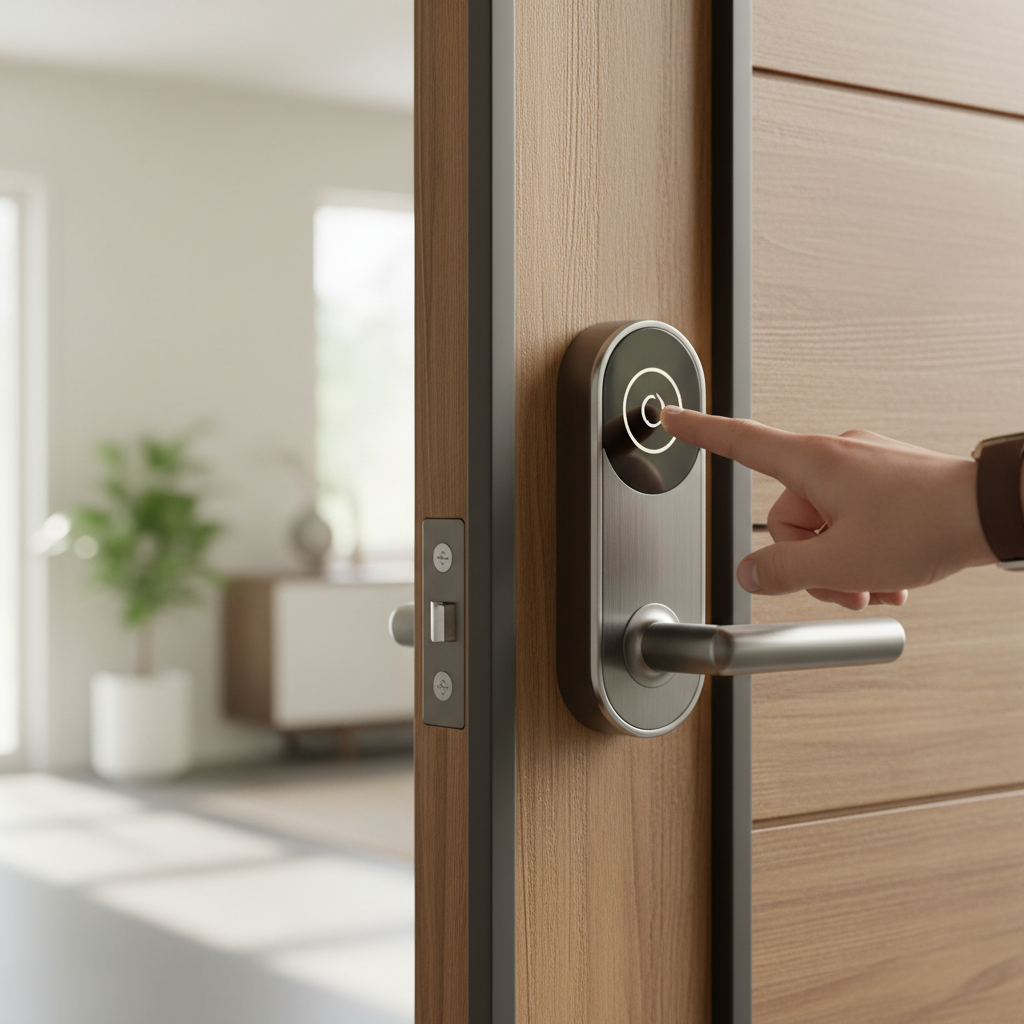
Choosing the right smart lock can enhance your home's security while offering features like temporary access for guests and activity logs. It's a step towards creating a more secure and intelligent living environment.
Preparing for Installation
Before you begin installing a smart lock, it’s essential to gather all necessary tools and materials. Most smart lock kits come with the required components, but you’ll typically need a screwdriver and possibly a drill if adjustments to your door are needed.
- Read the manufacturer’s instructions carefully.
- Ensure your door is compatible with the smart lock you’ve chosen.
- Check your Wi-Fi connection for stability if your lock requires it.
Preparing these elements in advance will streamline the installation process and help avoid any unexpected issues.
Step-by-Step Installation
Installing a smart lock can usually be completed in under an hour. Follow these steps for a smooth installation:
- Remove the existing lock from your door.
- Install the new smart lock hardware according to the instructions.
- Secure the mounting plate and attach the exterior and interior components.
- Connect the lock to your Wi-Fi or Bluetooth, if applicable.
Make sure to test the lock multiple times to ensure everything is functioning correctly. This will help confirm that the installation was successful and the lock is ready to use.
Connecting to Smart Home Systems
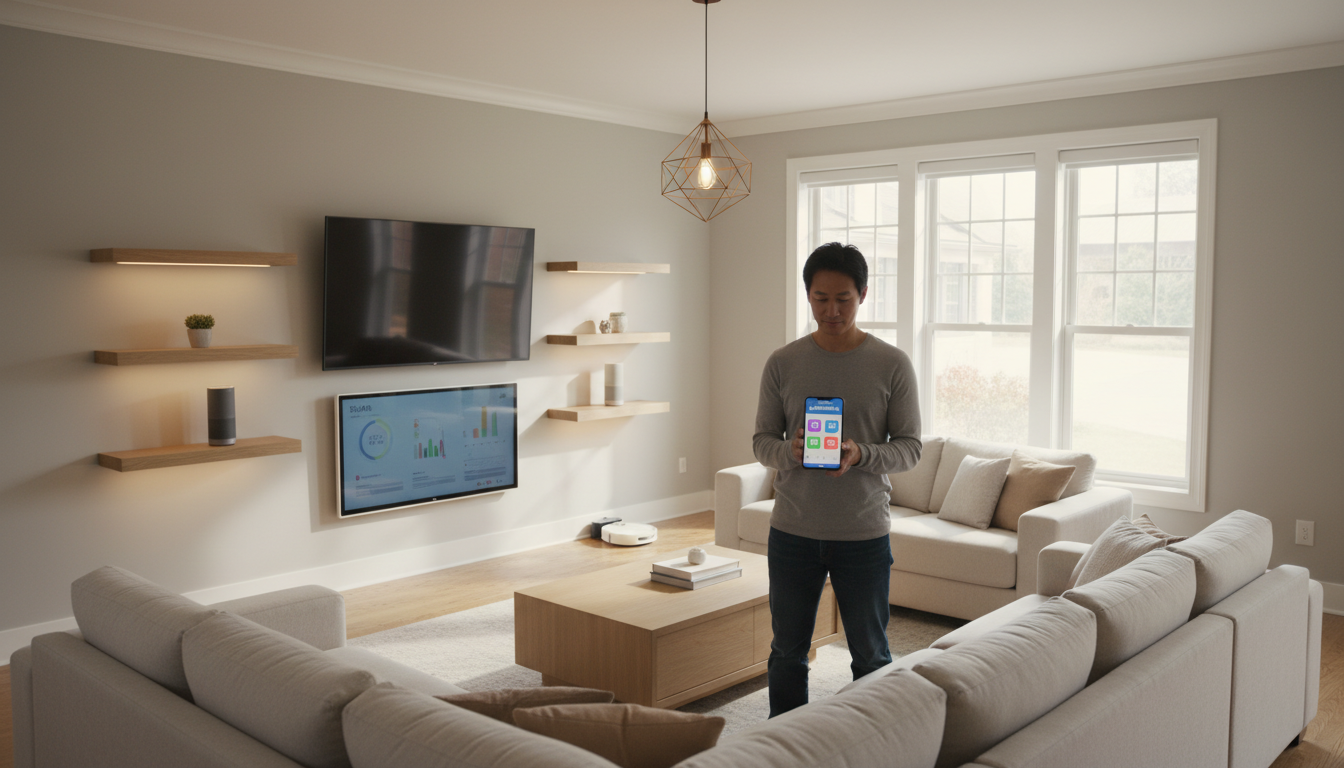
One of the great advantages of smart locks is their ability to integrate with your existing smart home systems. Many smart locks are compatible with platforms like Amazon Alexa, Google Assistant, and Apple HomeKit. This allows you to control your lock with voice commands or set up automated routines.
To connect your lock, follow the app-specific instructions provided by your smart home system. This integration can enhance your lock’s functionality, offering more control and convenience.
Maintenance and Troubleshooting
Maintaining your smart lock is crucial for ensuring its longevity and reliability. Regularly check the lock’s batteries and replace them as needed. Keep the lock and keypad clean to ensure smooth operation.
If you encounter any issues, consult the troubleshooting section of your lock’s manual or contact customer support. Many problems can be resolved through a simple reset or firmware update.
Conclusion
Installing a smart lock in your Saint Cloud home is an investment in security and convenience. By following these guidelines, you can enjoy the benefits of enhanced home protection and seamless integration with your smart home ecosystem.
Smart locks not only provide peace of mind but also add a modern touch to your home. With proper installation and maintenance, they can serve as a reliable component of your home security system for years to come.